


HP Shredder Oil Sheets (9133)
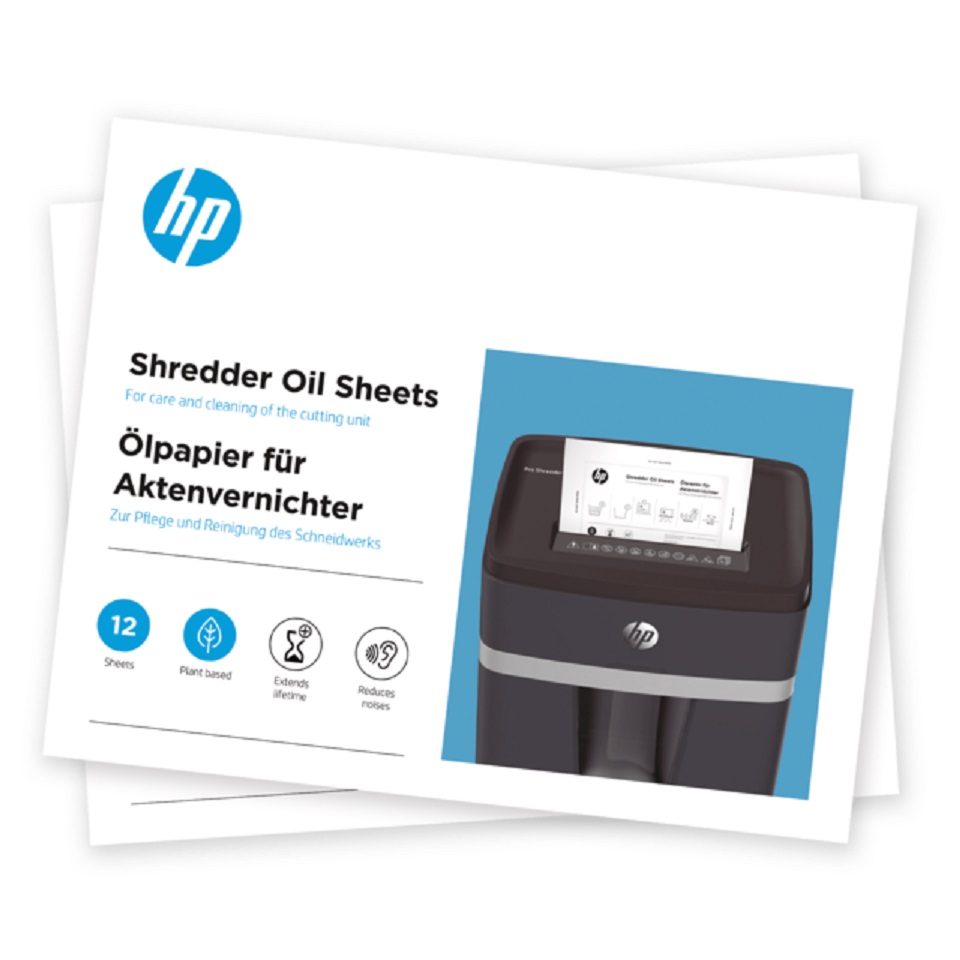
HP Shredder Oil Sheets
In order to get lasting enjoyment from your HP OneShred or HP Pro Shredder, proper care and cleaning of the document shredder is essential. Over time, dust and paper residues accumulate in the cutting mechanism and needs to be removed regularly. The best way to do this is to use HP Shredder Oil Sheets, which, like HP Shredder Oil, are specially formulated for use on HP shredders. The HP Shredder Oil Sheet not only contains the optimal oil coating, but is also environmentally friendly: thanks to the vegetable lubricant, no harmful substances are released into the environment through the cleaning process via the paper waste. Of course, the oil sheets are also compatible with document shredders of other manufacturers.
Key facts
Through regular maintenance and cleaning of the cutting rollers of your document shredder you will not only benefit from a prolonged lifespan of the device but also from a reduced operating noise. How often you should clean your shredder depends on how intensively and frequently it is in use. At the latest, however, if your shredder begins to make strange noises or operates noticeably slower than usual, it is time to oil the cutting mechanism.
To begin cleaning, you should first empty the collection container before placing the ready coated HP Shredder Oil Sheets in the shredder.
After shredding is complete, press the reverse button for 10 seconds to ensure the cutting rollers are evenly oiled. Your shredder will resume with a pleasingly quiet and powerful performance as well as once again providing optminal shredding results.
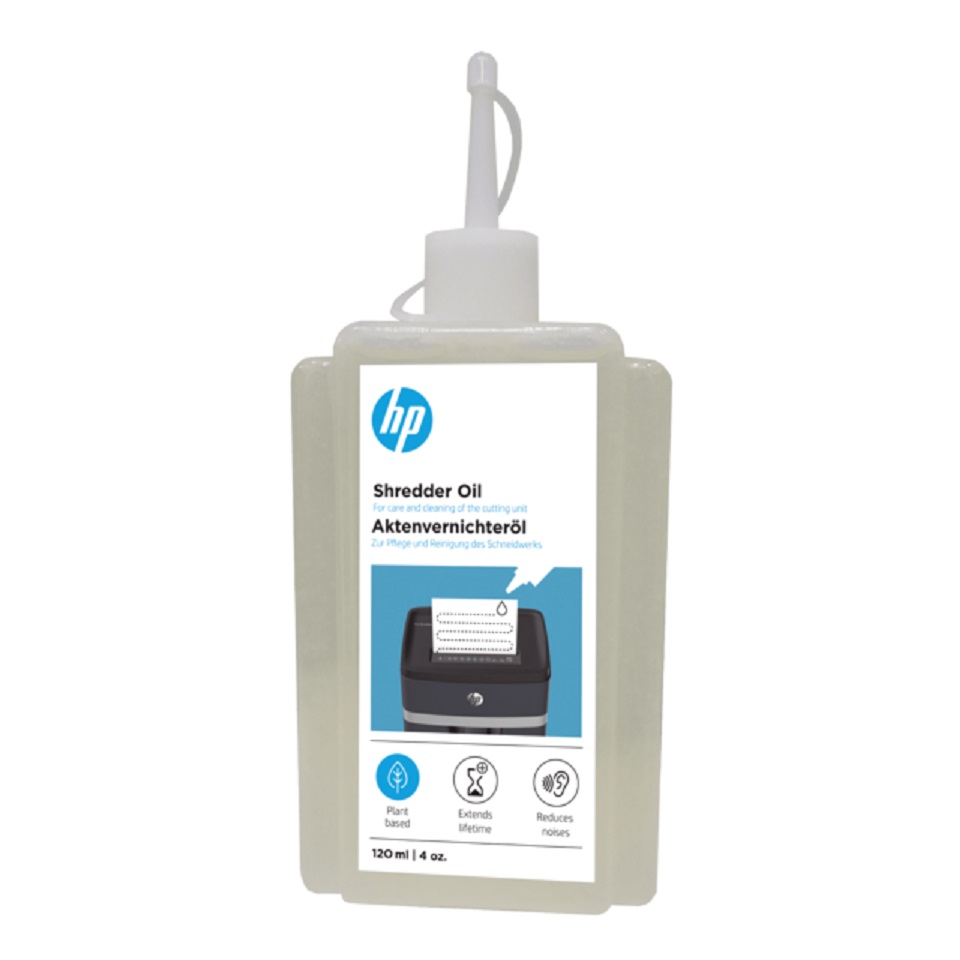
In addition to the ready coated HP Shredder Oil Sheet, you can also use the HP Shredder Oil in the practical dosage bottle, which is available in either 120 ml or 400 ml sizes.
• Quantity: 12 sheets
• Size: DIN A5
• Vegetable lubricant
| Brand | HP |
|---|
Related products
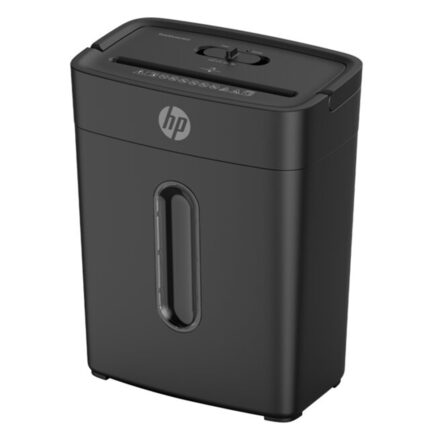
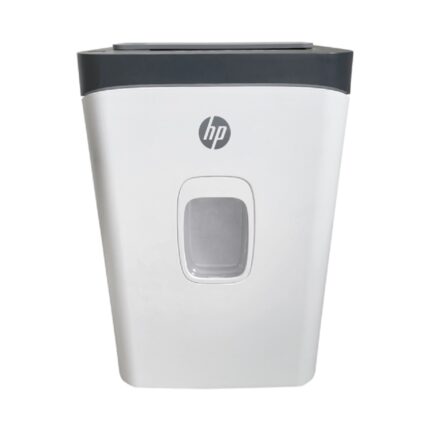
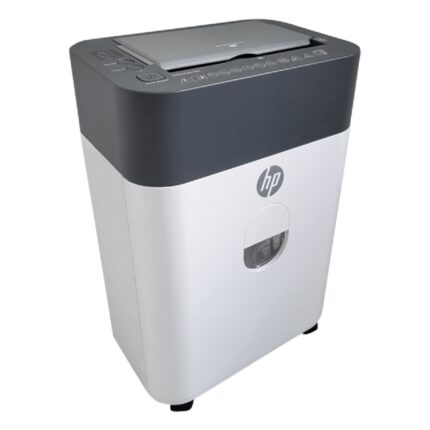
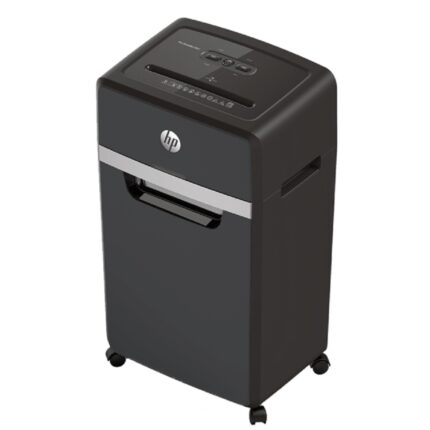
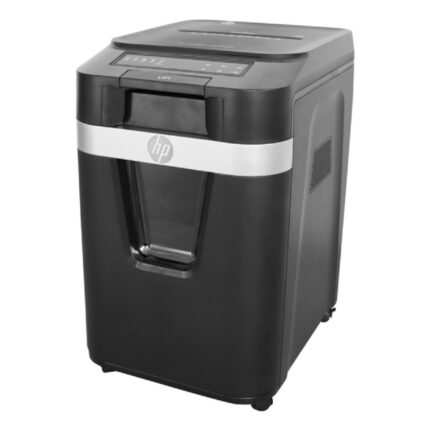
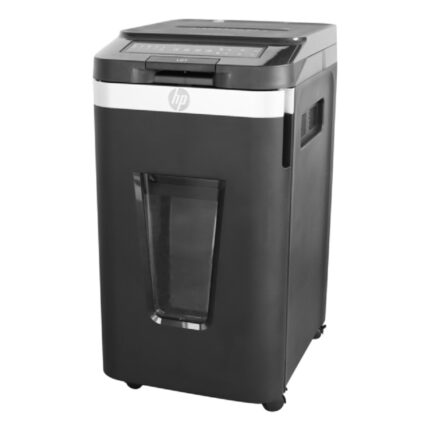
HP Pro Shredder 24CC Shred capacity (sheets A4, 80g) x24, Bin capacity L30, Color Black, 2815
HP Pro Shredder 24CC
With a cutting capacity of 24 A4 sheets at a time, the HP Pro Shredder 24CC is the most powerful document shredder with the largest shredding capacity from this series. This professional shredder shreds your sensitive company data such as balance sheets or tax documents in cross cut to 4 mm x 35 mm small clippings and meets the high requirements for data protection compliant document destruction with security level P-4. After a particularly long operating time of 40 minutes, the professional shredder in black design requires a cool down period to avoid overheating. The comfortable document shredder on lockable coasters impresses with an exceptionally quiet operating noise of only 55 decibels and is ideally suited for use in open-plan offices.
Key facts
The HP Pro Shredder 24CC, like all of its HP Pro Series counterparts, is intuitive to use and features an overheat and overload indicator as well as an automatic start-stop feature that ensures the shredder stops when you stop feeding material.
The large waste bin has a capacity of 30 litres and can be pulled out for easy content removal. The high-quality shredder has an indicator for an open as well as full bin and alerts you as soon as the waste bin needs emptying. The auto-reverse feature prevents paper jams by stopping the shredding process and returning the paper if you accidentally feed more than 24 sheets at a time.
If the reliable document shredder is not used for 30 minutes, it automatically switches to sleep mode and the power consumption is reduced to less than 0.5 watts.
Credit cards, paper clips and staples do not need to be laboriously sorted before shredding whole stacks of documents.
The HP Pro Shredder 24CCshould be cleaned and maintained regularly to achieve a consistently good cutting result. To remove dust and paper residues from your shredder, a HP Shredder Oil Sheet is already included in delivery.
Cutting unit
• Cutting capacity: 24 sheets DIN A4 (80 g / m²)
• Type of cut: Particle cut / Cross cut
• Particle size: 4 mm x 35 mm
• Cutting speed: 1.6 metres per minute
• Material to be cut: paper, credit cards, paper clips and staples
Security
• Security level: P-4 / DIN 66399
Device
• Application area: Open plan office
• Operating time: 40 minutes
• Cooling time: 50 minutes
• Sleep mode: after 30 minutes, power consumption < 0.5 Watt
• Waste bin: 30 litre pull-out with viewing window
• Feed width: 220 mm
• Operating noise: 55 dB
• Castors: 4, 2 of them lockable
• Colour: black
Indicators
• Overheat indicator: yes
• Overload indicator: yes
• Anti-paper jam technology: through automatic return function
• Full and open bin indicator: yes
Operating conditions
• Voltage: 220 - 240 VAC
• Frequency: 50 Hz
• Power: 680 W / 2.5 A
• Motor type: Induction
Logistics
• Item number: 2815
• EAN: 4030152028153
• Device dimensions: 424.3 mm x 295 mm x 644.5 mm (width x depth x height)
• Device weight: 20 kg
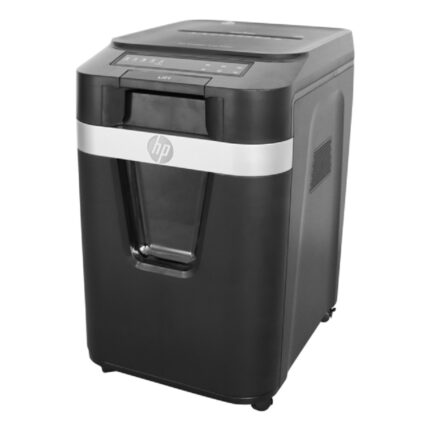
HP Shredder Oil, 120 ml (9131)
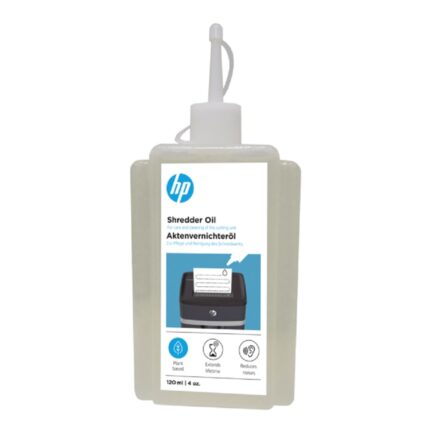
HP Shredder Oil, 120 ml
For optimal care of your HP OneShred or HP Pro Shredder it is essential to clean the shredder properly. Over time, dust and paper debris will accumulate and should be removed at regular intervals. For the professional care of your document shredder, the HP Shredder Oil in the handy 120 ml dosage bottle is specially blended for use with HP shredders. Of course, the oil is also compatible with shredders from other manufacturers. It is a vegetable lubricant so that no harmful substances are released into the environment via the paper waste during the cleaning process. If you maintain and clean the cutting mechanism of your document shredder regularly, the hard-working helper will thank you with a long run time and reduced operating noise.
Key facts
The interval at which you should clean your shredder depends on how often you use it. At the latest, however, if you notice that the shredder makes a louder operating noise or works more slowly than you are used to, cleaning is advisable.
To do this, you should first empty the collection container and apply the HP Shredder Oil in serpentine lines on a sheet of paper. Then feed the oiled paper into the shredder and, after it is completely shredded, press the reverse function for 10 seconds so that the cutting rollers are evenly oiled.
Now your shredder is free of dust and paper residues and once again has an pleasantly quiet operating noise and provides an excellent shredding result.
Do you regularly need a larger quantity of Shredder Oil? A 400 ml dosage bottle is also available. If you want an even easier application, use the ready-dosed HP Shredder Oil Sheet.
• Quantity: 120 ml
• In closable dosage bottle
• Vegetable lubricant
